How to Block Facebook Applications Forever!


It is very annoying to receive invitation from Facebook’s friend to install some Facebook applications that you are not interesting. Thanks God, there is a way to permanently block all those annoying Facebook apps.

How to do it?

1) Select Privacy Setting.

2) Click “Edit your settings” under the Applications and Websites section.

3) Turn off all the platform applications.

If you still blur with above step, then watch below video for more detail.

Please Take Note:

When you “turn off” the Facebook Applications platform, it will also “turn off” other function like the social plugins that help you share or “like” stories on other websites.

Google Buzz

Read also:

  1. How to Disable/Remove Facebook Ads Share Facebook already become one of the world most famour...
  2. Facebook VS Google’s Traffic Share Believe it or not, Facebook has recently surpassed Google...
  3. How to Adjust Your Facebook Page Width Share If you read my last post on remove all...
  4. Which Types of People Are You on Facebook? Share Are you one of  the 9 Most Annoying Types...
  5. How To Get NEW Facebook Profile Page Share Hello…everybody, i am back… and with a new Facebook...
  6. Girl Loses Her Job Because of Facebook Share Be careful when you post some thing at Facebook...
  7. Neo Damansara – Facebook Malaysia New Office Share Do you know that facebook will has a new...
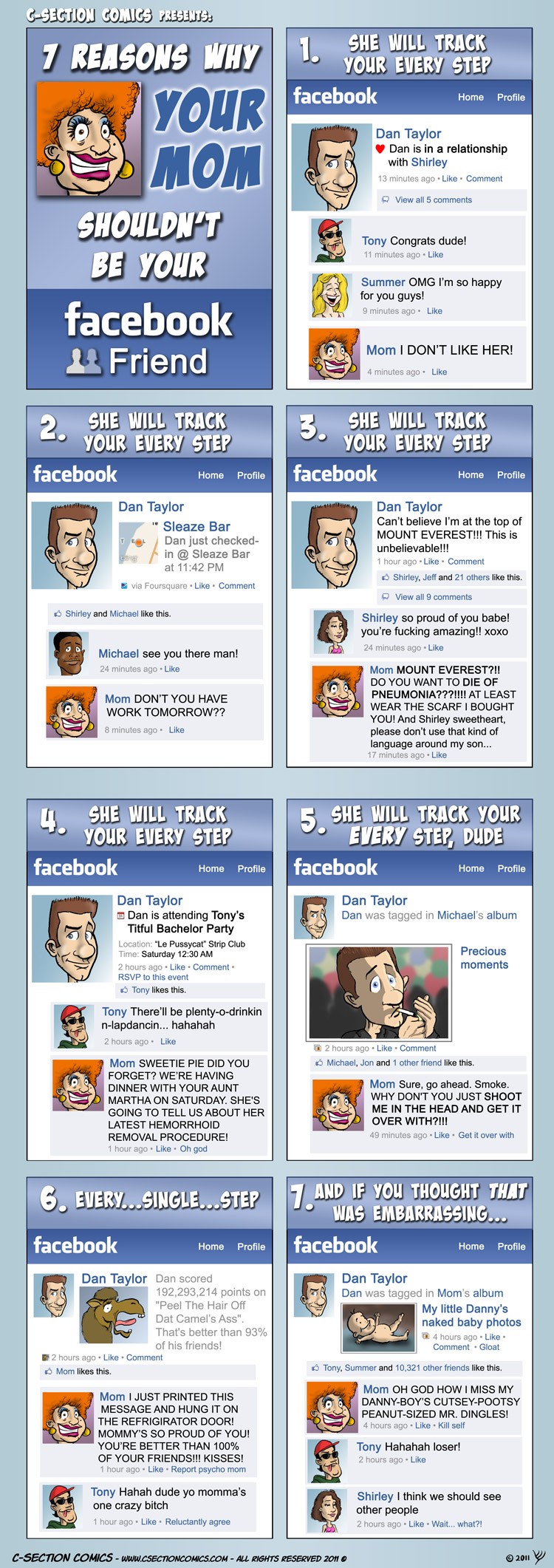
  8. 7 Top Reasons Why Your Mom Shouldn’t be your Facebook Friend Share Ok.. This is just for fun and Don’t TELL...
  9. Amazing Portrait of Mark Zuckerberg (Facebook Founder) Share This is amazing! Charis Tsevis, whom know for his...
  10. How to increase Your Firefox Speed? Share Firefox is the most popular web browser used by...


0 comments ↓

There are no comments yet...Kick things off by filling out the form below.

Leave a Comment